ABBYY
CodeExpander
TreeSize
Sticky Password
GoodSync
MathType
ABBYY
로그인하지 않으셨습니다. 로그인 후 더 나은 경험을 누려보세요.
*에서{{receiveCouponInfo.expire_at}}전 사용*
로그인하지 않으셨습니다. 로그인 후 더 나은 경험을 누려보세요.
 FastStone MaxView 압축 팩 이미지 뷰어 도구 소프트웨어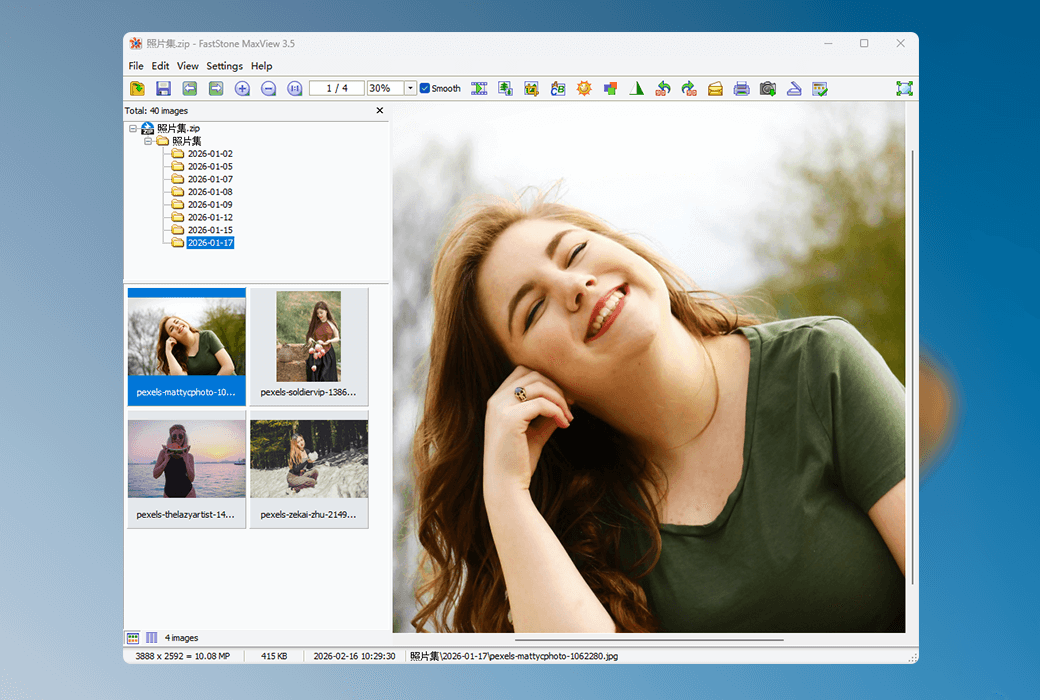


활동 규칙
1、활동 시간:{{ info.groupon.start_at }} ~ {{ info.groupon.end_at }}。
1、활동 시간:매진 즉시 멈추다。
2、그룹 구매 유효 기간:{{ info.groupon.expire_days * 24 }}시간。
3、그룹 구매 인원:{{ info.groupon.need_count }}명。
그룹 구매 주의사항
1、그룹 구매 프로세스: 참여/시작 및 결제 성공 - 유효 기간 내 요구 인원 충족 - 그룹 구매 성공!
2、유효 기간 내 활동 인원을 충족하지 못하면 그룹 구매가 실패하며, 결제 금액은 원래 경로로 환불됩니다.
3、그룹 구매 요구 인원 및 활동 시간은 상품별로 다를 수 있습니다. 활동 규칙을 확인해 주세요.
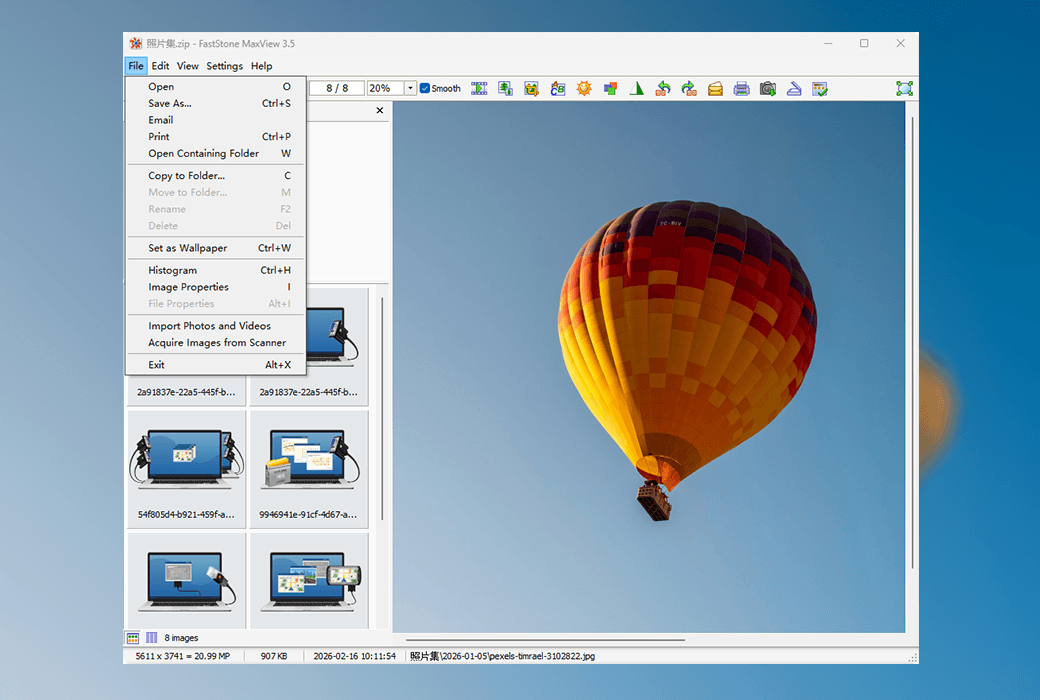
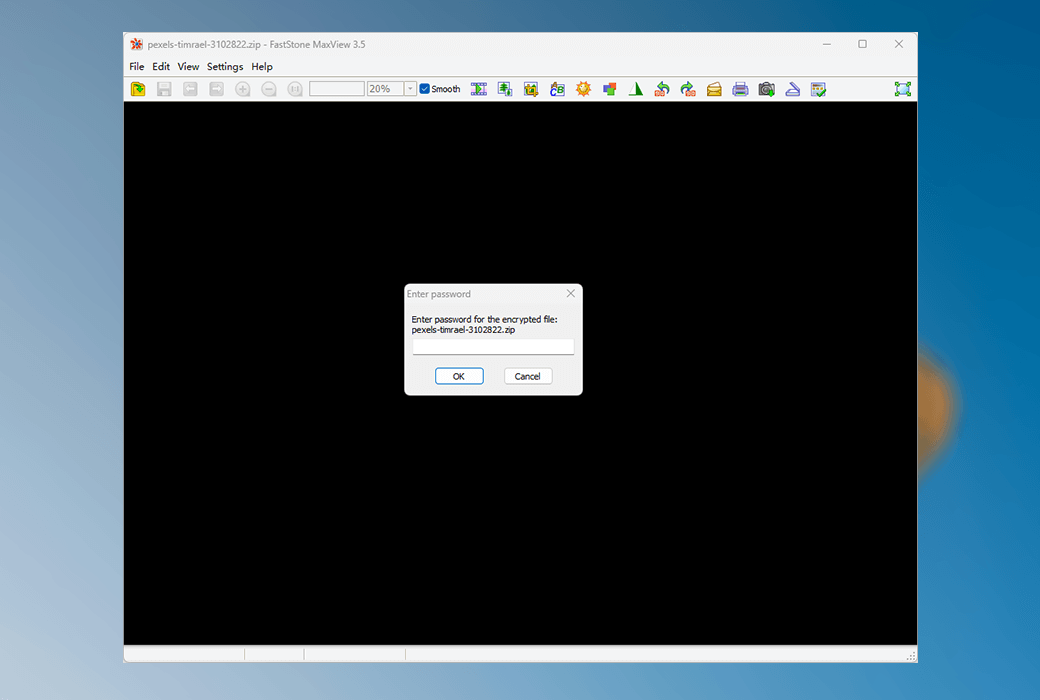
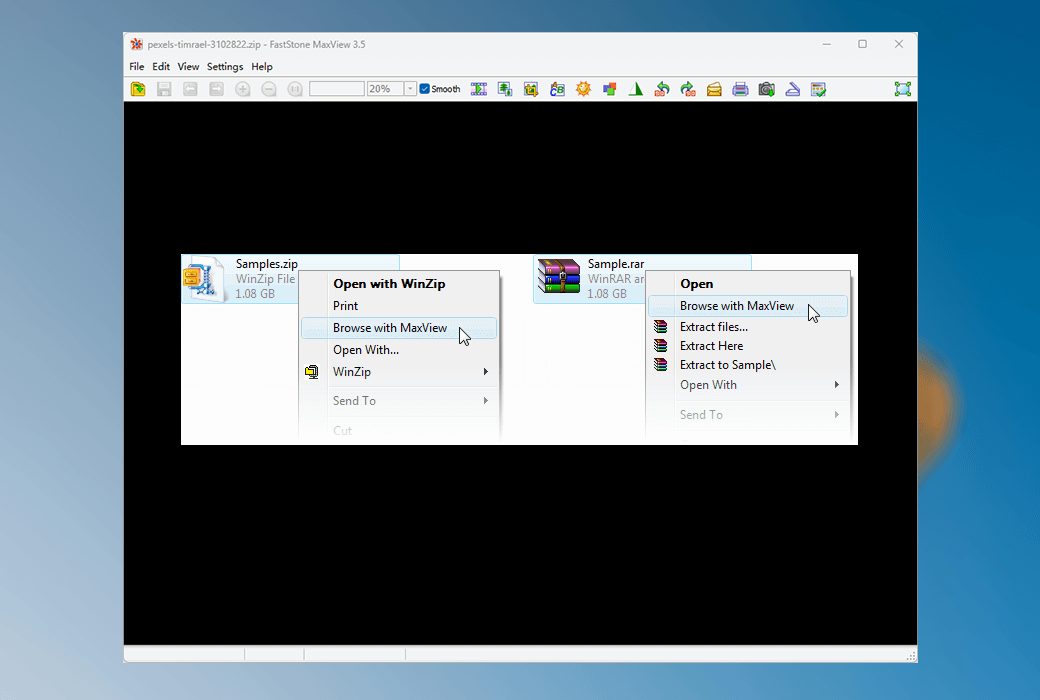
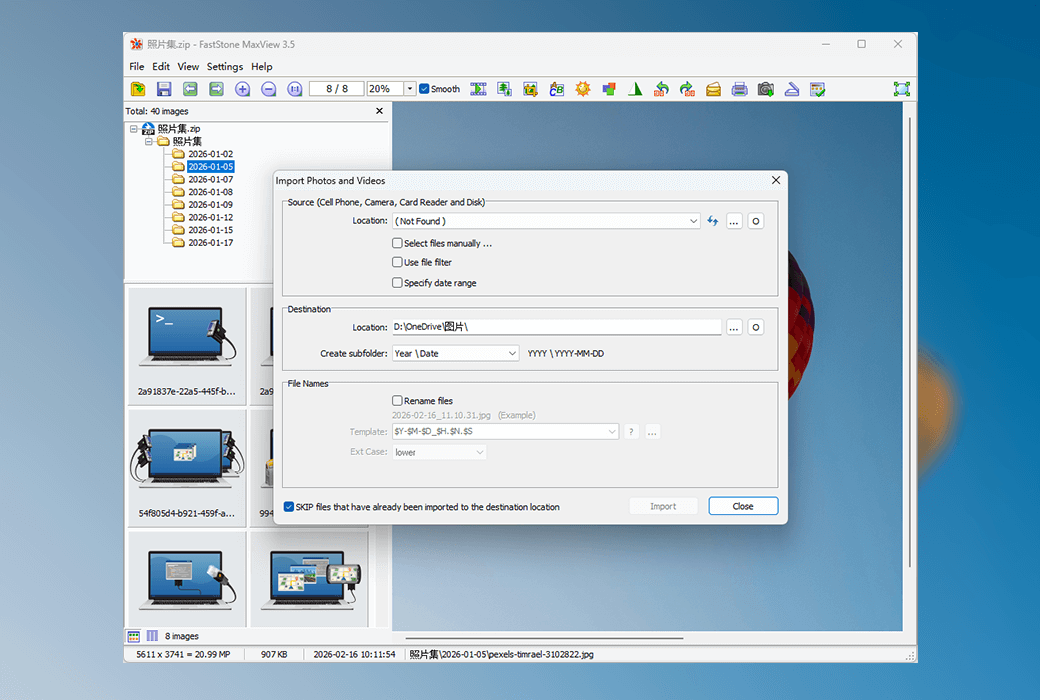
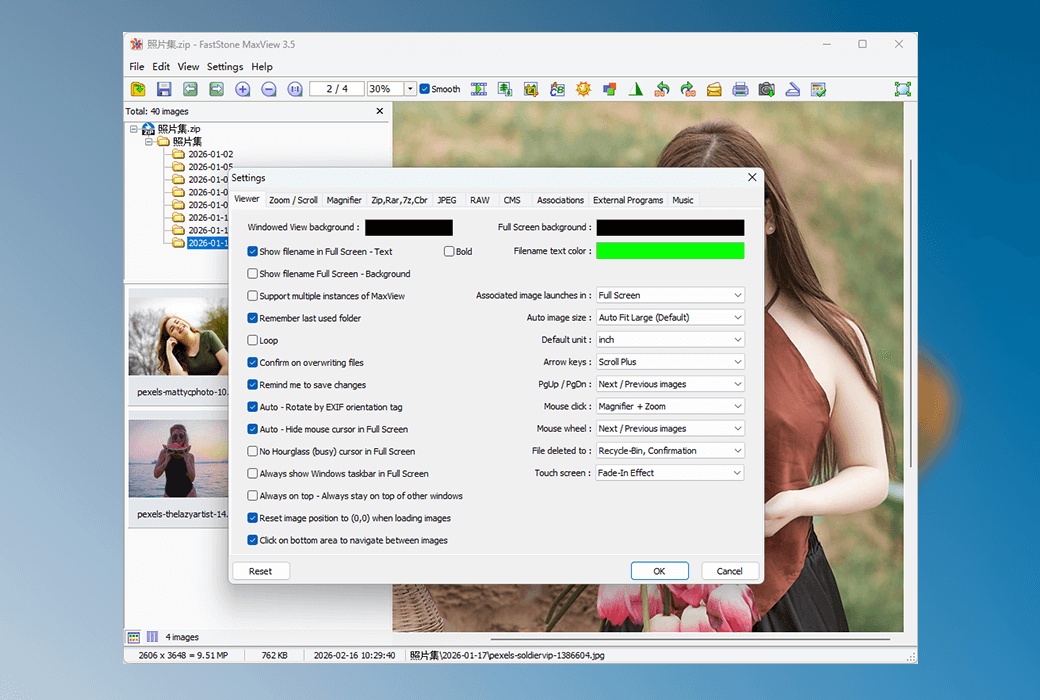
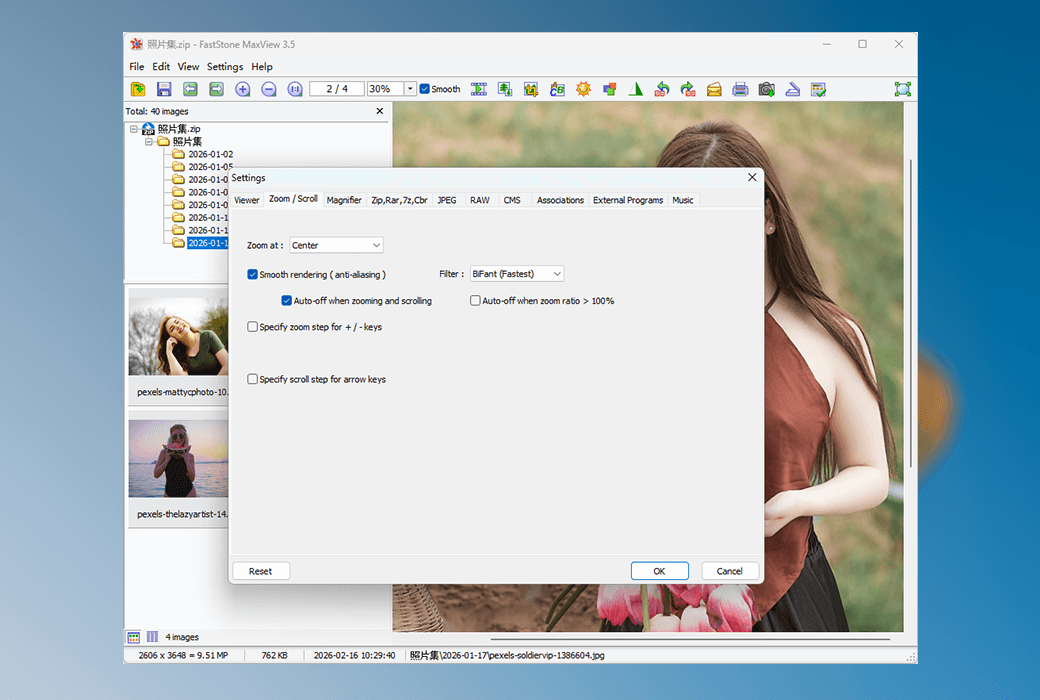
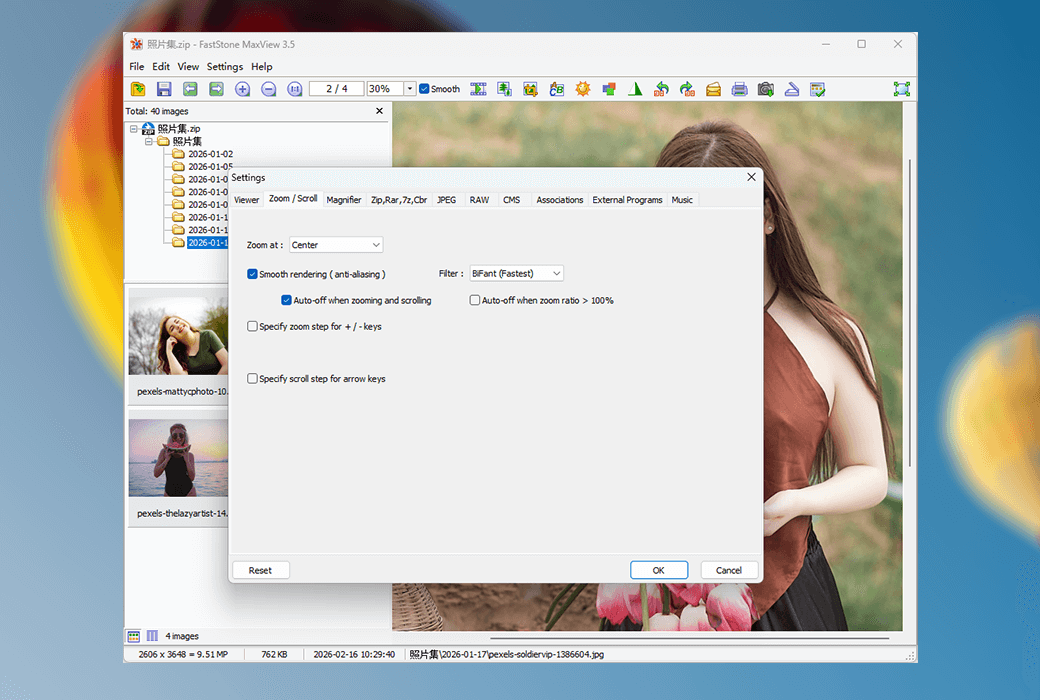
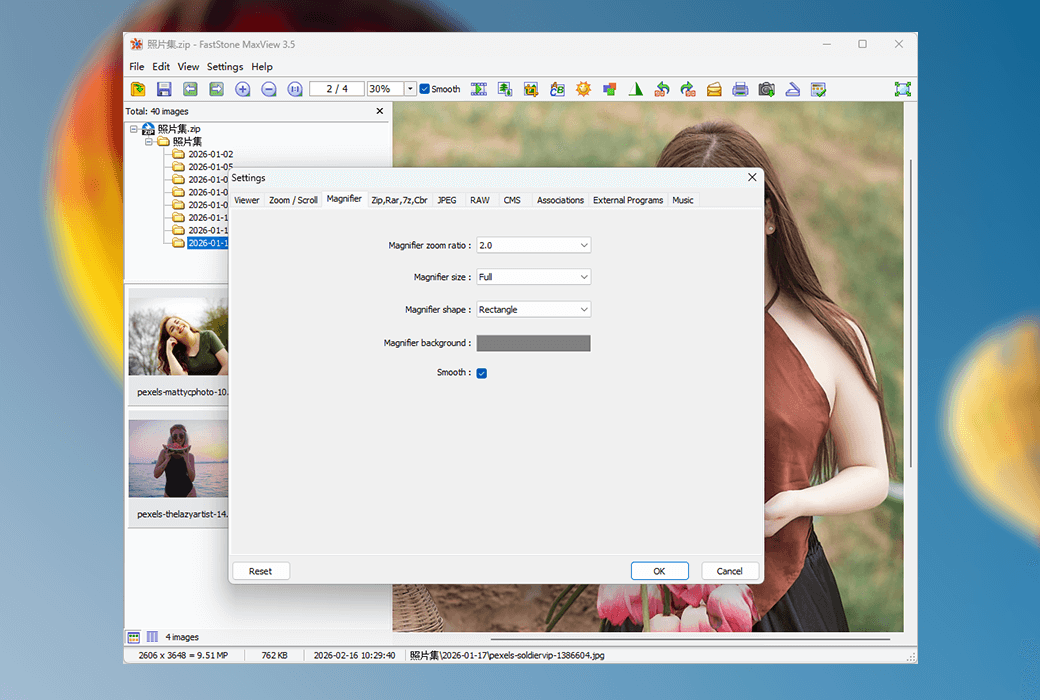
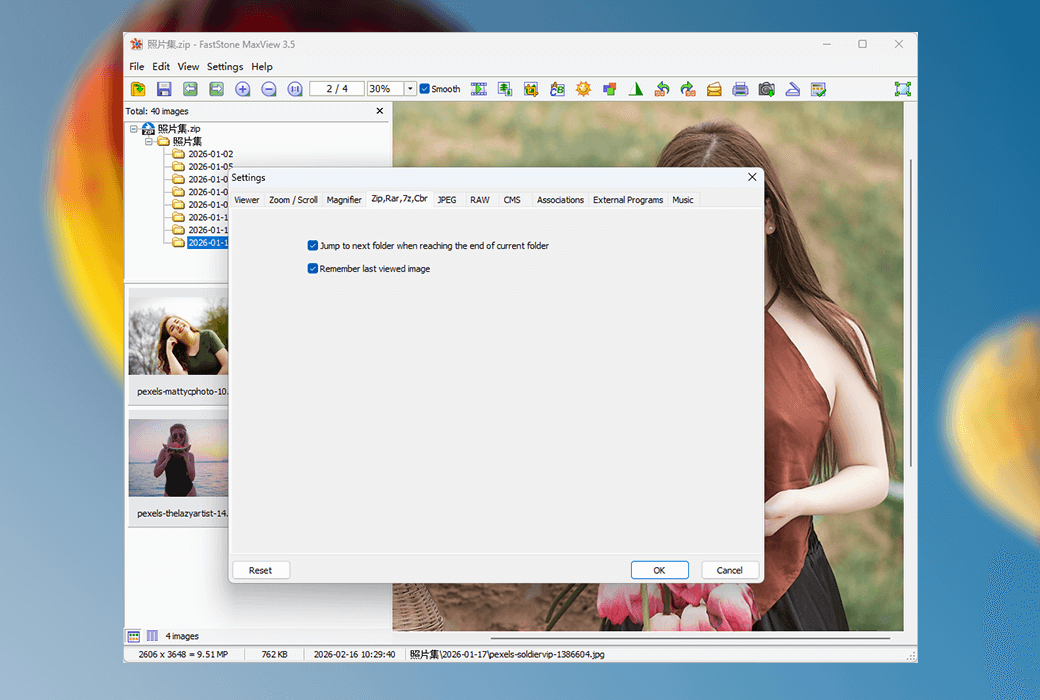
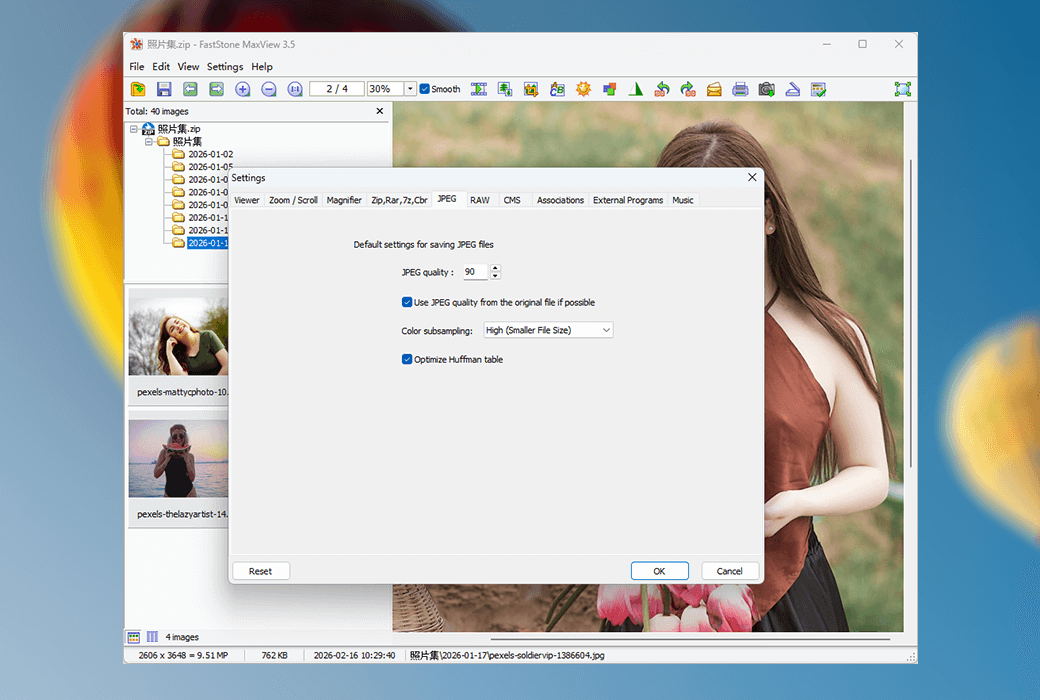
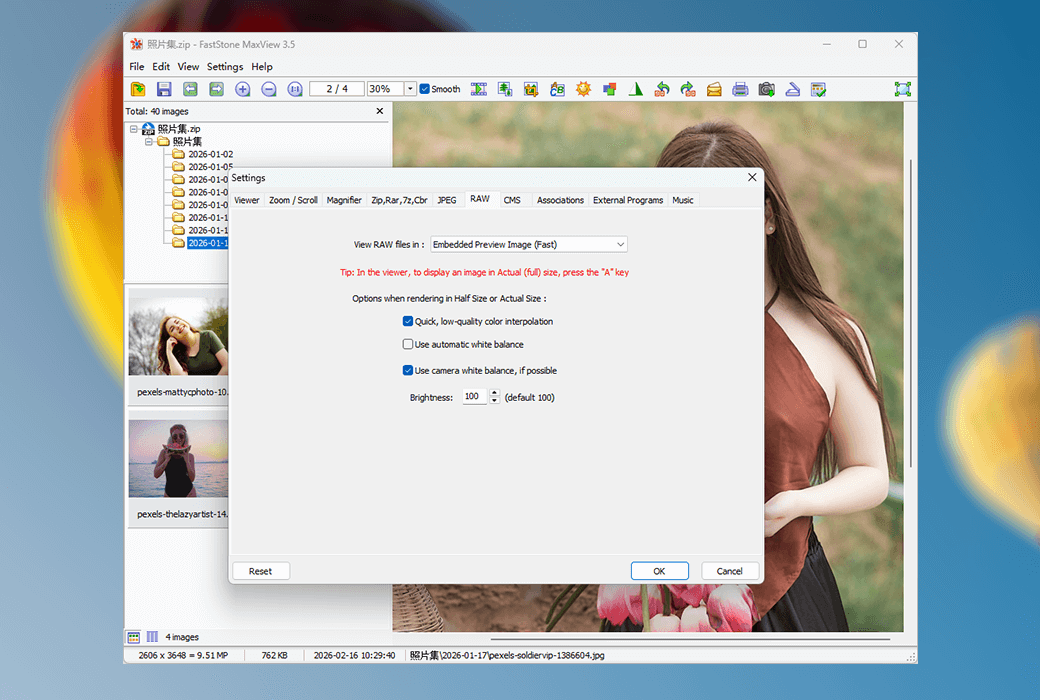
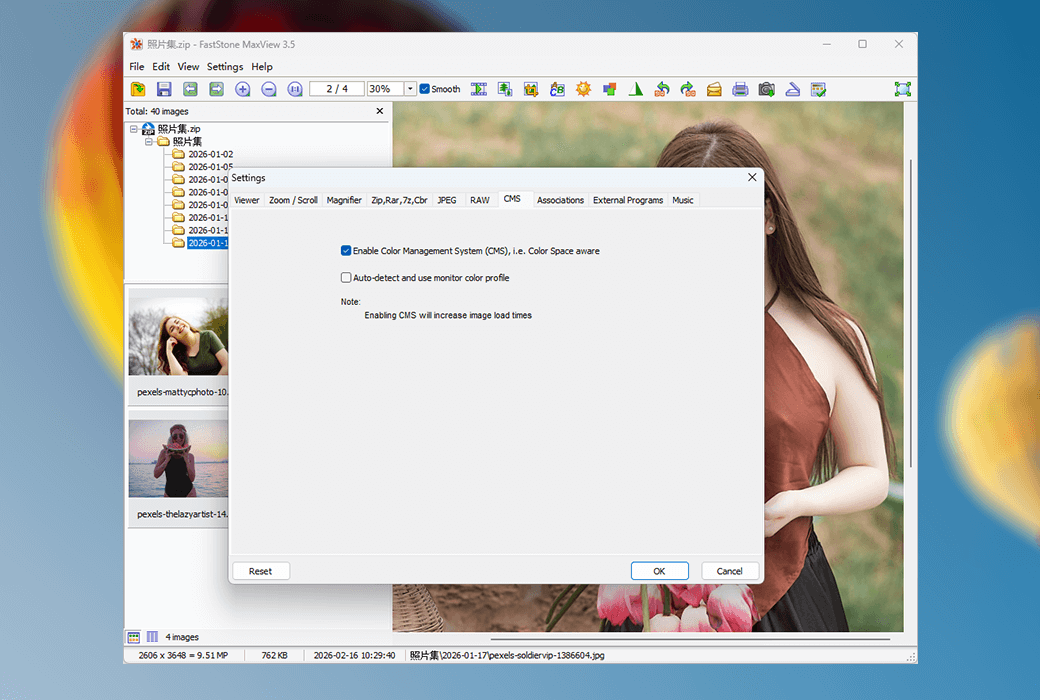
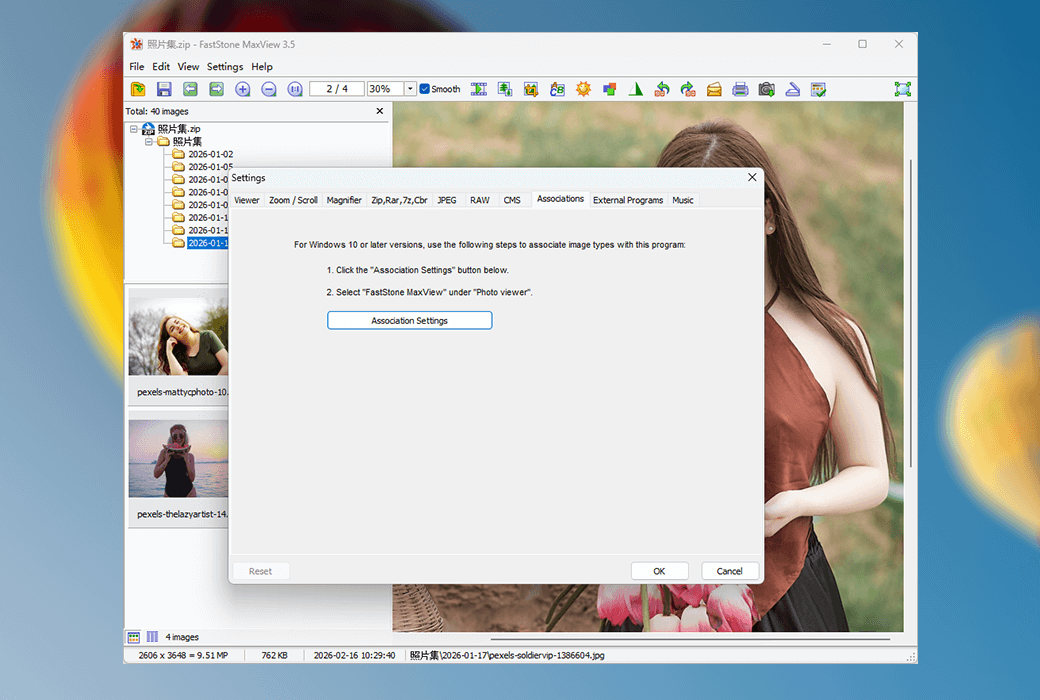
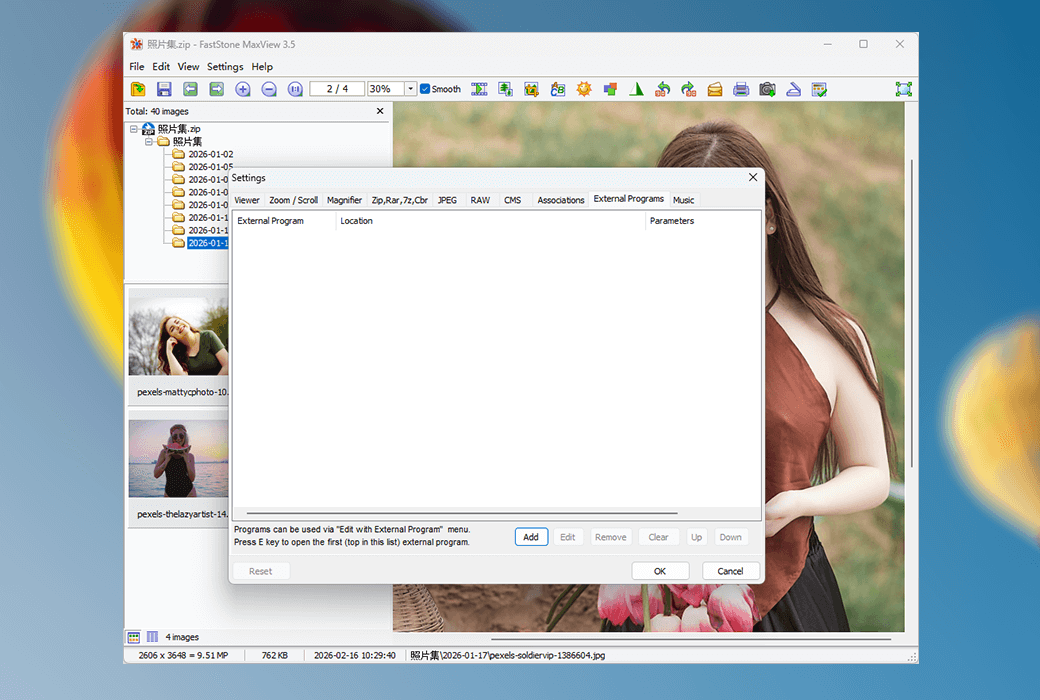
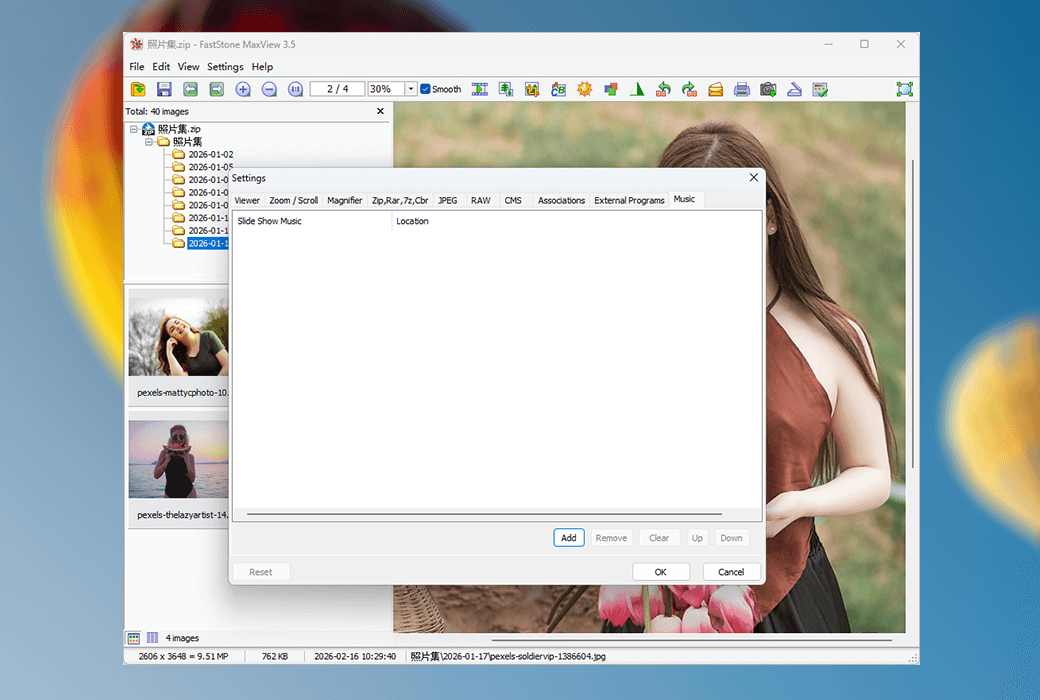
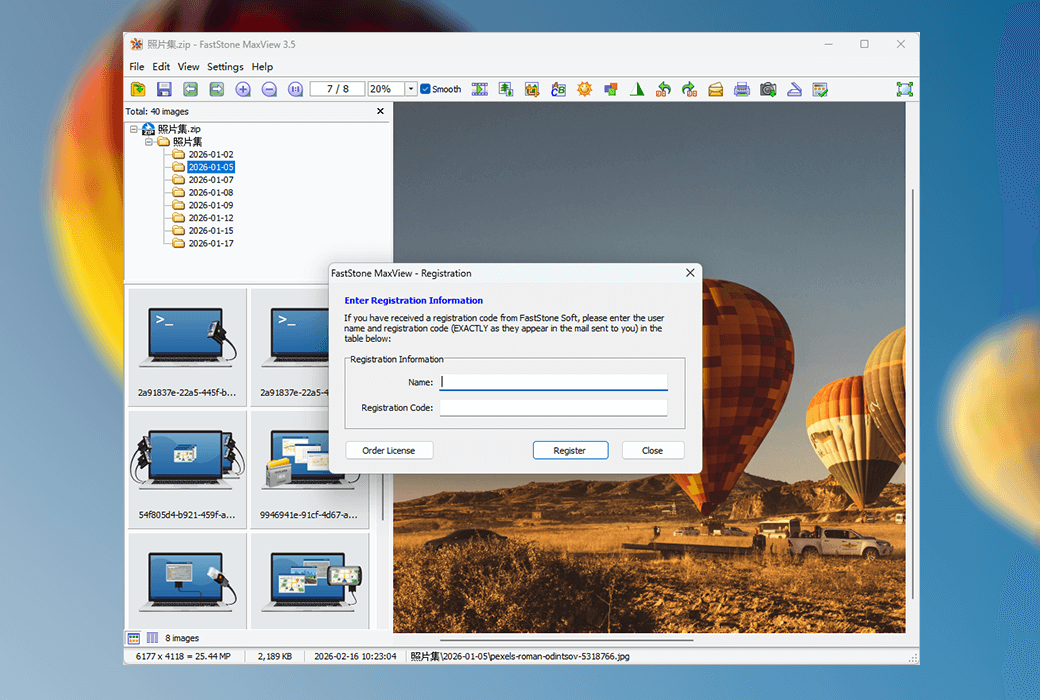
FastStone MaxView는 모든 주요 그래픽 형식을 지원하는 빠르고 컴팩트하며 혁신적인 이미지 뷰어입니다.직관적인 레이아웃으로 여러 가지 방법으로 그림을 볼 수 있습니다.심지어 암호로 보호된 ZIP, RAR 및 7-Zip 파일의 이미지를 직접적이고 즉각적으로 볼 수 있어 개인 사진을 볼 수 있는 완벽한 솔루션입니다.또한 CBR, CBZ 및 CB7 형식의 만화 파일을 읽을 수 있습니다.이 도구는 이미지를 빠르게 탐색, 회전, 크기 조정, 자르기, 주석 및 인쇄할 수 있는 편리한 도구입니다.
ZIP, RAR 및 7-Zip 파일 파일을 직접적이고 안전하며 즉각적으로 볼 수 있습니다.이것은 비밀번호로 보호된 개인 사진을 보는 가장 좋은 방안이다.
공식 웹 사이트:https://www.faststone.org/FSMaxViewDetail.htm
다운로드 센터:https://faststonemaxview.apsgo.cn
배송 시간:24시간 자동 배송
실행 플랫폼:Windows
인터페이스 언어:영어 인터페이스 디스플레이가 지원됩니다.
업데이트 지침:소프트웨어 공급업체는 영구 사용 및 무료 업데이트를 약속합니다.
구입 전 평가판:개인 가정 사용자는 완전히 무료입니다.
배송 방법:구매 후, 활성화 정보는 주문 시 이메일로 발송되며, 동시에 개인 센터, 내 주문에서 해당 제품 활성화 코드를 볼 수 있다.
장치 수:컴퓨터 한 대를 설치할 수 있다.
컴퓨터 교체:원본 컴퓨터 마운트 해제, 새 컴퓨터 활성화.
부트를 활성화하려면:소프트웨어 열기 - 도움말 - 등록 코드를 입력하고 사용자 이름과 등록 코드를 입력하고 등록을 클릭하면 소프트웨어 활성화가 완료됩니다.
특수 지침:이 버전은 상업용으로 지원되는 상업용 버전입니다.사용자 이름은 공급업체 라이센스의 규칙 제한으로 인해 APSGO로 통일됩니다.

협력 문의